
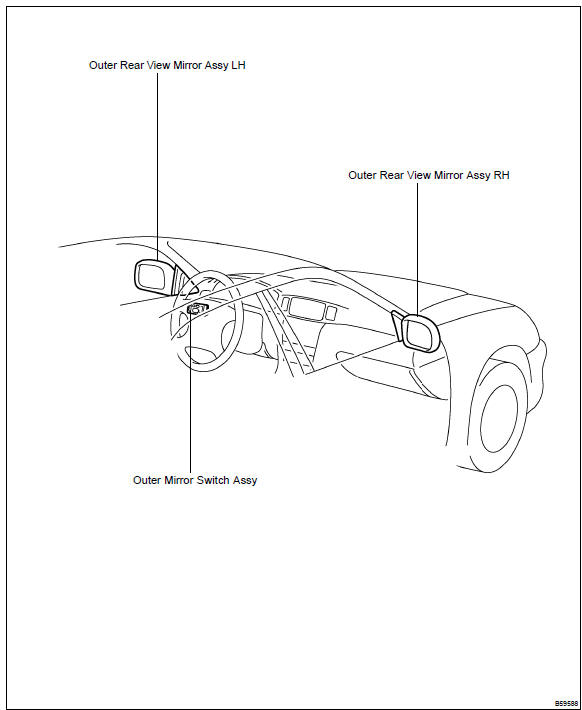
Toyota Corolla (E120): Location
Share this page:


Other materials:
How to proceed with troubleshooting
The hand–held tester can be used at step 4, 6, 8 and 9.
1 Vehicle brought to workshop
2 Customer problem analysis
3 Warning light check
4 The dtcs check (present and past dtcs)
5 The dtcs chart
6 Circuit inspection
7 Repair
8 Clear the dtcs (present and past dtcs)
9 The dt ...
Clutch
Preparation
Sst
Recomended tools
Equipment
Lubricant
...
Child restraint systems
Before installing a child
restraint system in the vehicle,
there are precautions
that need to be observed,
different types of child
restraint systems, as well as
installation methods, etc.,
written in this manual.
Use a child restraint system
when riding with a small child
that cannot properly use a ...