
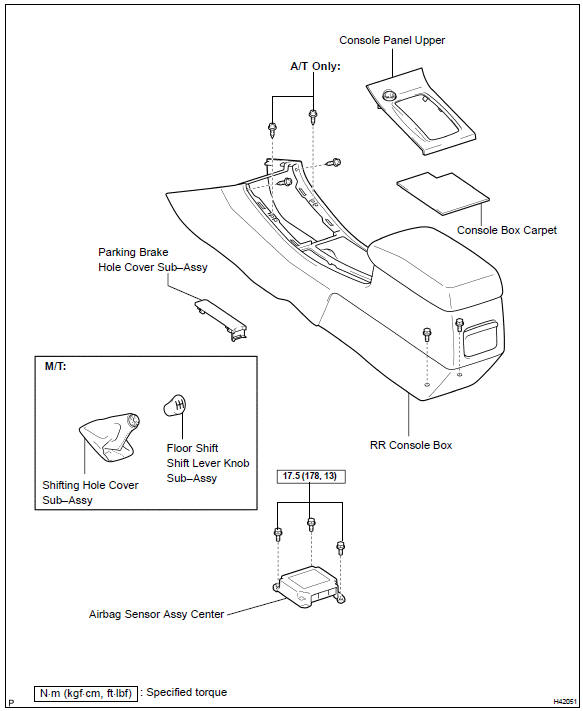
Toyota Corolla (E120): Components


Other materials:
Inspection procedure
1 Inspect stop lamp switch assy
Check that the stop light lights up when brake pedal is depressed and
turns off when the brake pedal
is released.
2 Inspect skid control ecu terminal voltage(stp terminal)
Disconnect skid control ecu connector.
measure voltage between termina ...
Dialing
1 Display the phone screen. 2 Select the “Dial Pad” tab and enter a phone number.
To delete the input phone number, select
.
For the first digit, you can enter “+” by selecting “*” for a while.
3 Press the switch on the steering
wheel or select . ...
Circuit description
The vehicle speed sensor circuit is sent to cruise control ecu assy as a
vehicle speed signal. For each rotation
of the shaft, the vehicle speed sensor sends a signal through the combination
meter assembly to the
cruise control ecu assy (see the following chart). The cruise control ecu assy
...