
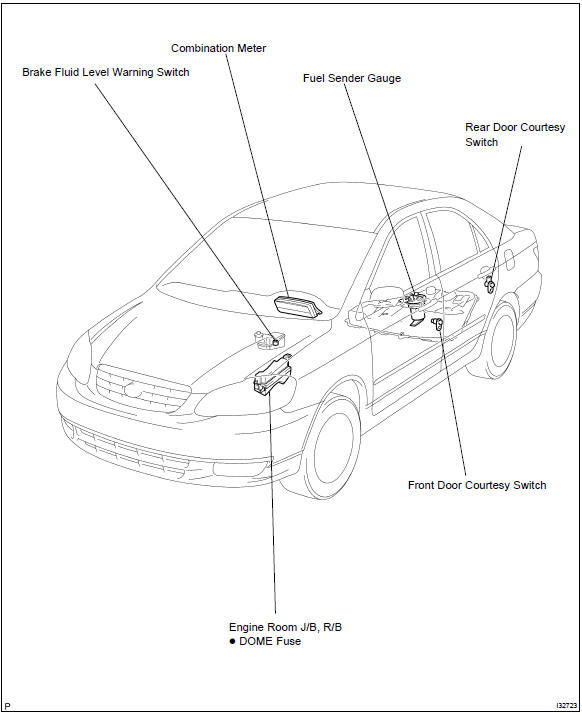
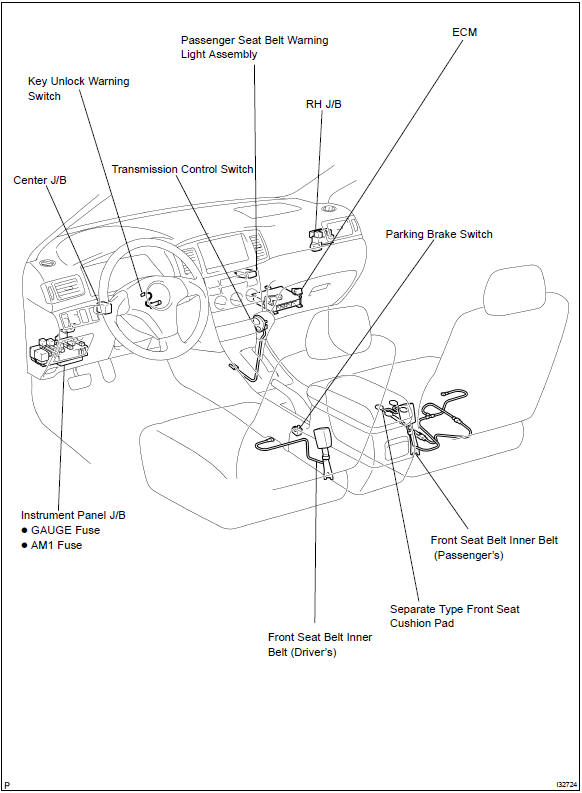
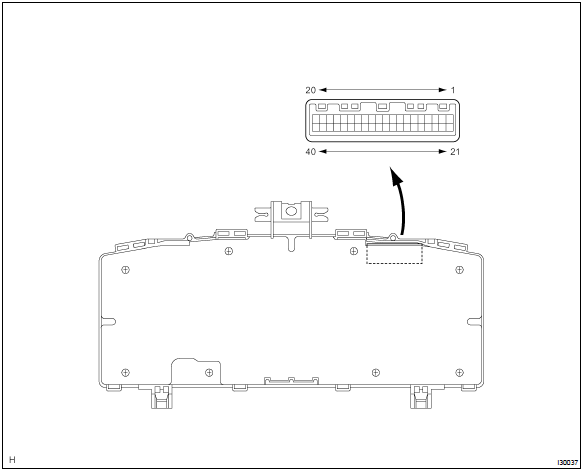
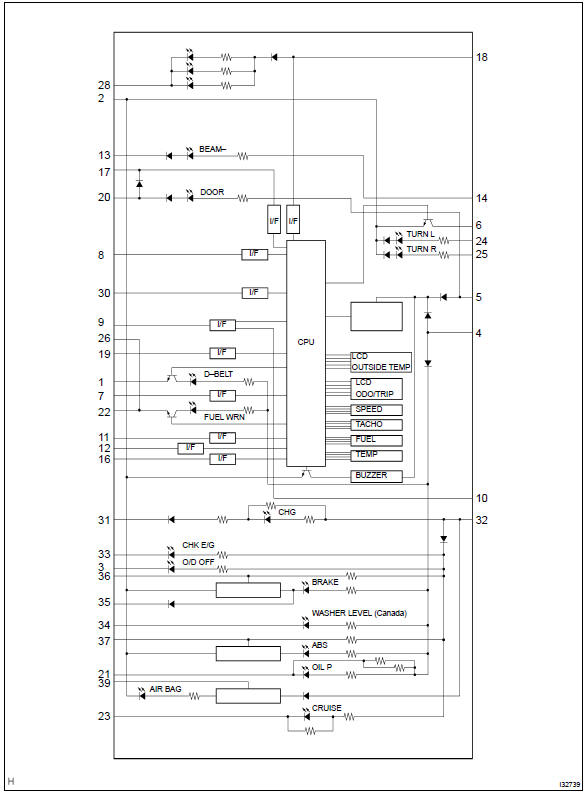
Toyota Corolla (E120): Location


Other materials:
Diagnostics
Preparation
Sst
09816–30010
Oil pressure switch socket
Sfi system
09843–18040
Diagnosis check wire no.2
Sfi system
supplemental restraint
system
Recomended tools
09082–00040
Toyota electrical tester
Sfi system
supplemen ...
Inspection procedure
Hint:
start the inspection from step 1 in case of using the hand–held tester and start
from step 2 in case of not
using the hand–held tester.
1 Read value of hand–held tester(skid control sensor)
Check that there is no difference between the speed value output from
the speed sensor ...
Maintenance requirements
To ensure safe and economical
driving, day-to-day care
and regular maintenance
are essential. It is the
owner's responsibility to
perform regular checks.
Toyota recommends the
maintenance below.
■Repair and replacement
It is recommended that genuine
Toyota parts be used for repairs to
ensure perf ...