
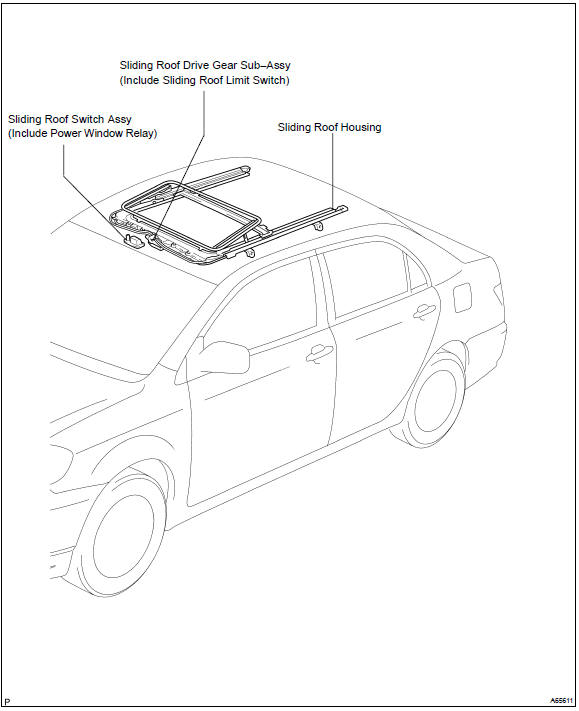
Toyota Corolla (E120): Location


Other materials:
Tire information
Typical tire symbols
► Full-size tire
► Compact spare tire
1 Tire size
2 DOT and Tire Identification Number (TIN)
3 Uniform tire quality grading
For details, see “Uniform Tire Quality Grading” that follows.
4 Location of treadwear indicators
5 Tire ply composition and ma ...
Engine immobilizer system
The vehicle's keys have
built-in transponder chips
that prevent the engine from
starting if a key has not
been previously registered
in the vehicle's on-board
computer.
Never leave the keys inside
the vehicle when you leave
the vehicle.
This system is designed to
help prevent vehicle theft
but doe ...
Circuit description
The ignition switch provides circuit power and the ecm provides the circuit
ground that illuminates the mil.
Mil operation is checked visually:
it should be illuminated when the ignition is first turned on. If the mil is off
all of the time or on all of the time,
use the procedure below to ...