
Toyota Corolla (E120): Components
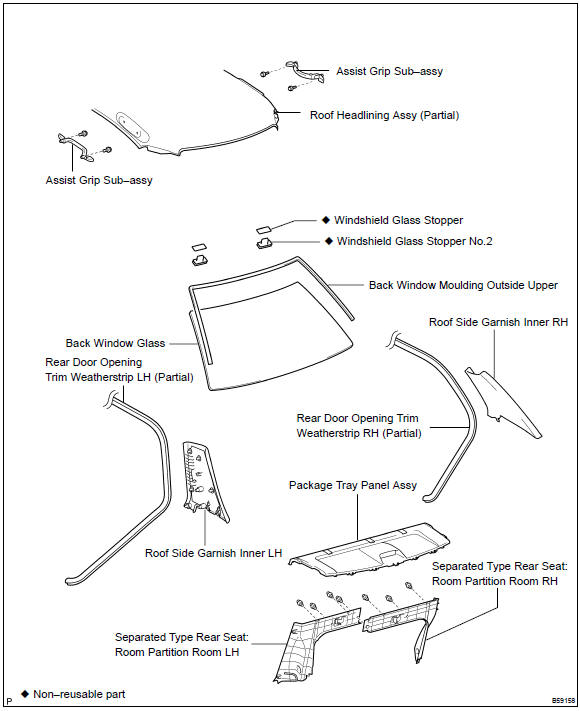


Other materials:
Shift solenoid ”a” performance
(shift solenoid valve s1)
Dtc p0751 shift solenoid ”a” performance
(shift solenoid valve s1)
System description
The ecm uses signals from the vehicle speed sensor and crankshaft position
sensor to detect the actual
gear position (1st, 2nd, 3rd or o/d gear).
Then the ecm compares the actual gear with the shift sc ...
Dialing from the contacts list
You can dial a number from the contact data imported from your cellular phone.
The system has one contact for each registered phone. Up to 2500 contacts may be
stored in each contact. 1 Display the phone screen.
2 Select “Contacts” tab.
3 Choose the desired contact to call from the list.
...
Repair
1. Steering off center repair procedure
Inspect steering wheel off center.
Apply masking tape on the top center of the steering
wheel and steering column upper cover.
Driving the vehicle on a straight line for 100 meters
at a constant speed of 35 mph (56 km/h), and ho ...