
Toyota Corolla (E120): Components
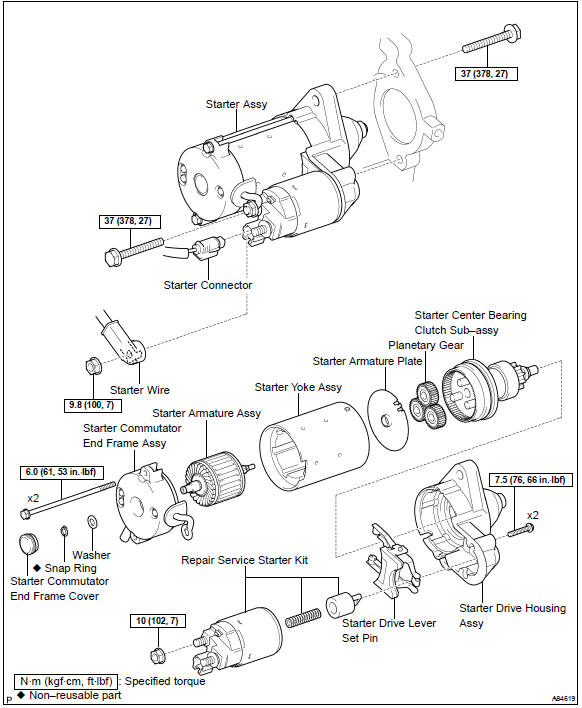


Other materials:
Replacement
1. Drain brake fluid
Notice:
wash the brake fluid off immediately if it comes into contact with any painted
surface.
2. Remove air cleaner cap sub–assy
3. Remove air cleaner case sub–assy
remove the air cleaner element, then remove the 3 bolts and air
cleaner case sub–assy.
...
Adjustment
1. Inspect shift lever position
When shifting the shift lever to each position, make sure
that it moves smoothly, and the position indicator displays
correctly.
Positions which can be shifted without pressing the
shift lever knob button
r " n " d, l " 2 " d &quo ...
Combination meter assy
Overhaul
Hint: components:
1. Remove meter hood sub–assy
2. Remove combination meter assy
Remove the screw.
disengage the 2 clips as shown in the illustration.
disconnect the connector, then remove the combination
meter.
3. Remove combination meter glass
Di ...