
Toyota Corolla (E120): Components
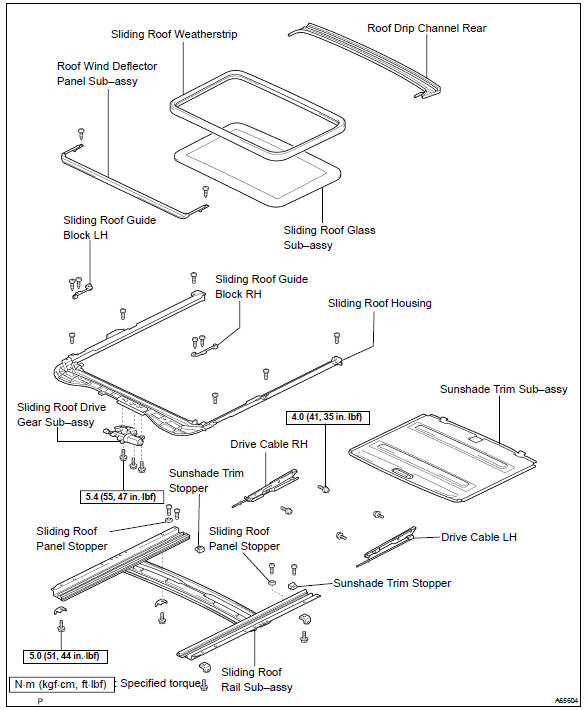


Other materials:
If your vehicle has to be stopped in an emergency
Only in an emergency, such as if it becomes impossible to stop the vehicle
in the normal way, stop the vehicle using the following procedure:
1 Steadily step on the brake pedal with both feet and firmly depress it.
Do not pump the brake pedal repeatedly as this will increase the effort required ...
On–vehicle inspection
Notice:
”cold” and ”hot” in these sentences express the temperature of the coils
themselves. ”Cold” is from
–10 c (14 f) to 50 c (122 f) and ”hot” is from 50 c (122 f) to 100 c (212 f).
1. Inspect ignition coil (with igniter) and spark test
confirm dtc.
Notice:
...
Replacing a flat tire
1 Chock the tires.
2 For vehicles with steel wheels, remove the wheel ornament using the wrench.
To protect the wheel ornament, place a rag between the wrench and the wheel ornament,
as shown in the illustration.
3 Slightly loosen the wheel nuts (one turn).
4 Turn the tire jack portion ...