
Toyota Corolla (E120) 2002–2008 Repair Manual / Preparation / Drive shaft / propeller shaft
Toyota Corolla (E120): Drive shaft / propeller shaft
Preparation
Sst
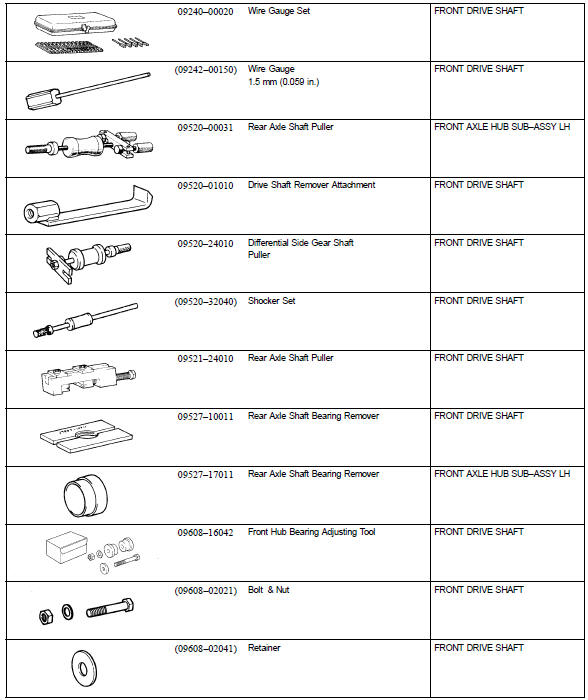
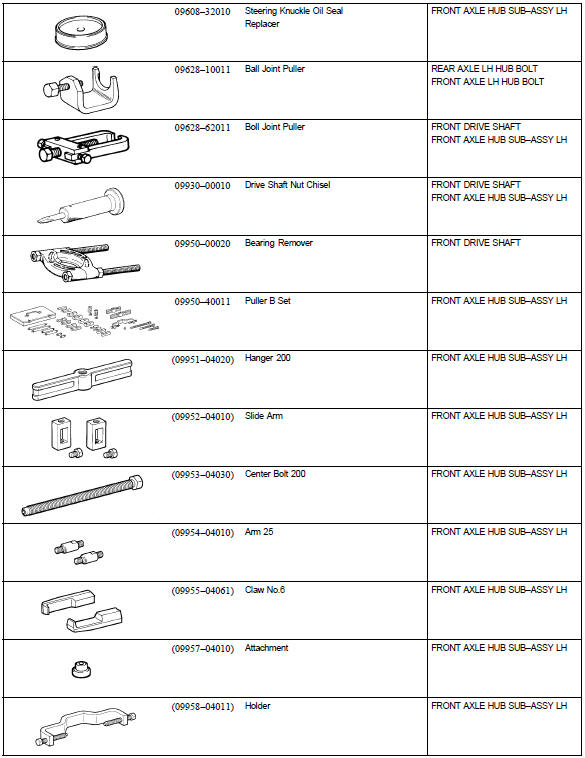
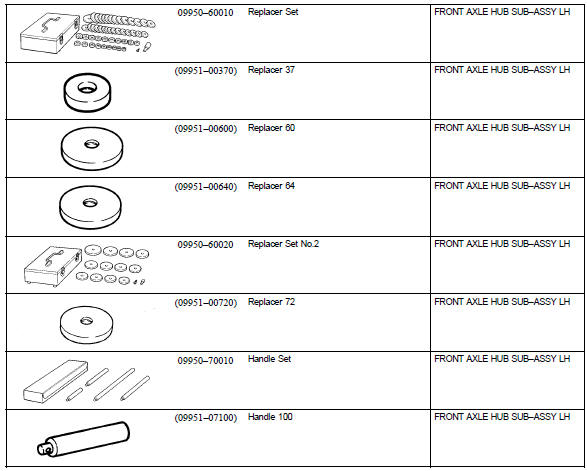
Recomended tools
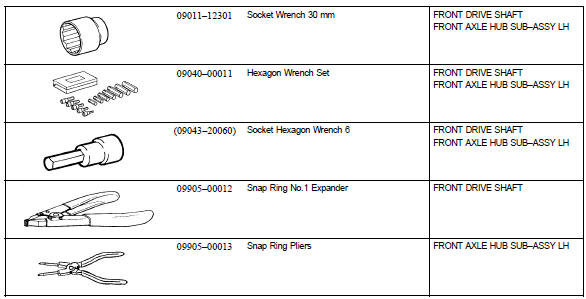
Equipment

Lubricant



Other materials:
Replacement
Hint: components:
1. Remove radiator grille sub–assy
2. Remove front bumper cover
3. Remove lh headlamp assy
Remove the 3 bolts.
pull out the headlight assy lh forward, then disconnect
the bracket of body side.
Release the claws and disconnect the connectors as
sh ...
On–vehicle inspection
1. Install lspv gauge (sst) and bleed air
remove the bleeder plugs from the front and rear brake cylinder.
install the lspv gauge (sst), and bleed the air.
Sst 09709–29018
2. Raise master cylinder pressure and check rear wheel cylinder pressure
Hint:
when inspectin ...
Engine rear oil seal
Replacement
1. Remove manual transaxle assy (m/t transaxle)
2. Remove automatic transaxle assy (a/t transaxle)
3. Remove clutch cover assy (m/t transaxle)
remove the 6 bolts and clutch cover.
4. Remove clutch disc assy (m/t transaxle)
5. Remove flywheel sub–assy (m/t transaxle ...