
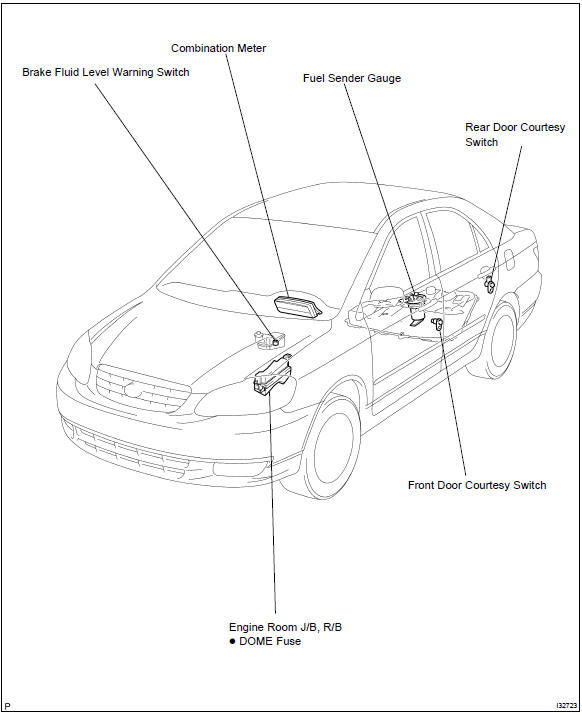
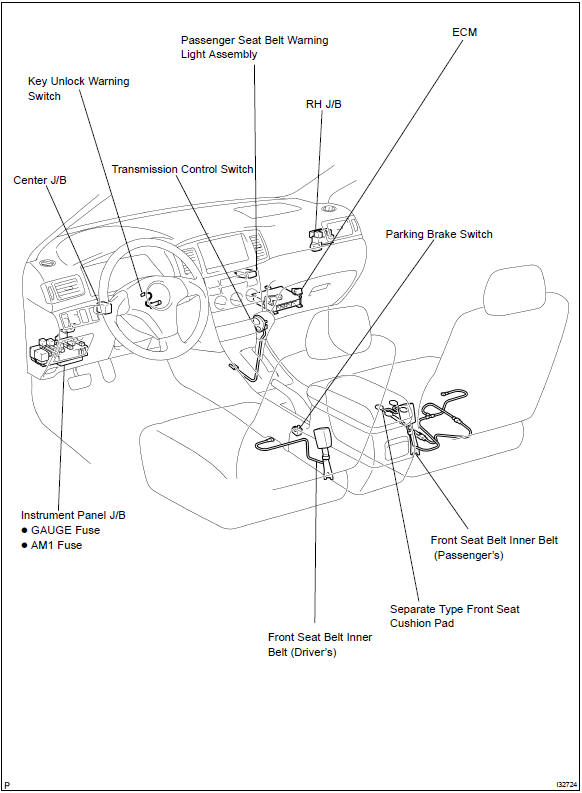
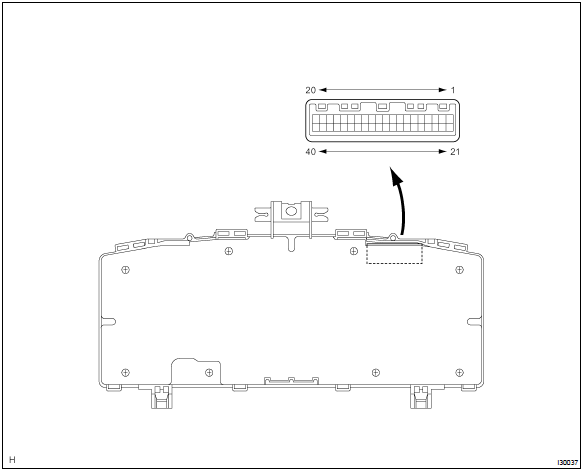
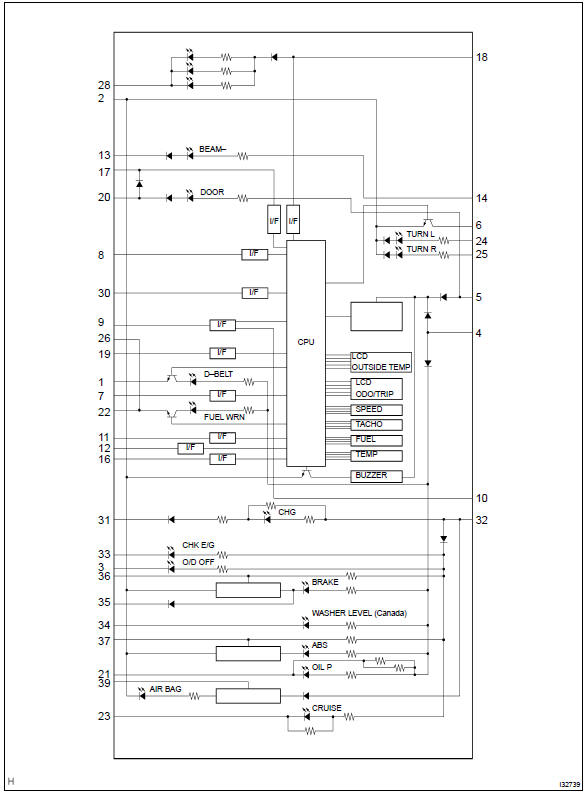
Toyota Corolla (E120): Location


Other materials:
Overhaul
1. Remove manual transmission filler plug
Remove the manual transmission filler plug and gasket
from the manual transmission case.
2. Remove drain (mtm) plug sub–assy
Remove the drain (mtm) plug sub–assy and gasket from
the manual transmission case.
3. Remove speedomete ...
Overhaul
Hint: components:
1. Remove rear wheel
2. Remove spare wheel cover assy
3. Remove rear floor finish plate
4. Remove luggage compartment trim cover inner lh
5. Remove rear shock absorber with coil spring
Support the rear axle beam with jack.
Remove the 2 nuts and bolt.
...
Positioning a floor jack
When using a floor jack, follow
the instructions in the
manual provided with the
jack and perform the operation
safely.
When raising your vehicle
with a floor jack, position
the jack correctly. Improper
placement may damage
your vehicle or cause injury.
Location of the jack point
■ Front
■ Rea ...