
Toyota Corolla (E120): Components
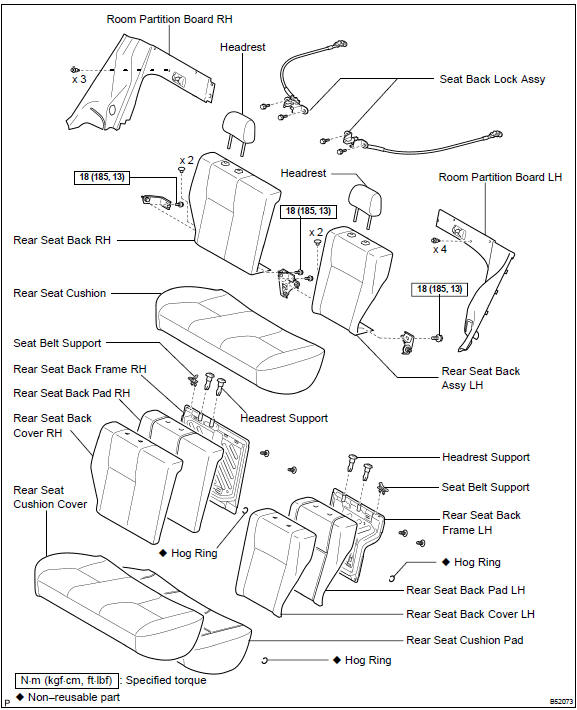


Other materials:
Driving support system
information display
■ Driving support system
information
Select to display the operational
status of the following systems:
LTA (Lane Tracing Assist)
LDA (Lane Departure Alertl)
Dynamic radar cruise control
■ Navigation system-linked
display (if equipped)
Select to display the following
navigation system-linke ...
Stabilizer bar rear
Replacement
Hint: components:
1. Remove stabilizer bar rear
Remove the 2 bolts, nuts and stabilizer bar.
2. Install stabilizer bar rear
Install the 2 bolts, nuts and stabilizer bar.
Torque: 195 nvm (1,990 Kgf·cm, 144 ft·lbf)
Hint:
install the stabilizer bar so that the ...
Check mode procedure
Hint:
hand–held tester only:
compared to the normal mode, the check mode has more sensing
ability to detect malfunctions. Furthermore, the same diagnostic
items which are detected in the normal mode can also be
detected in the check mode.
1. Check mode procedure(using the hand–held tester) ...