
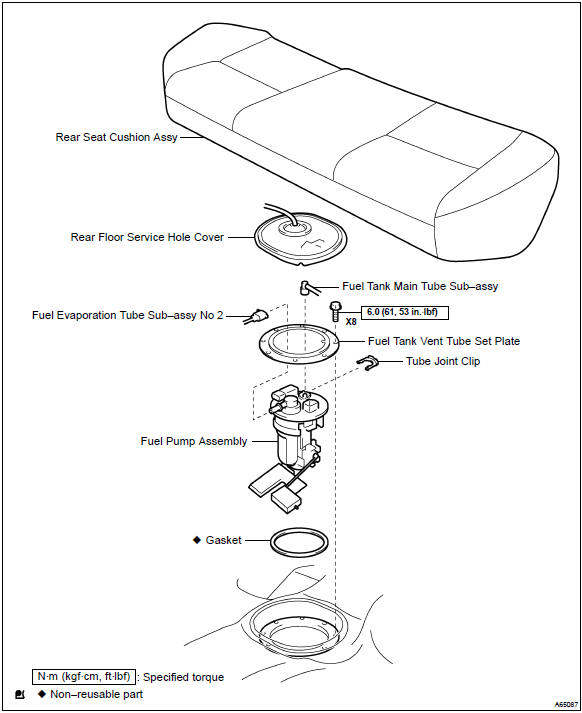
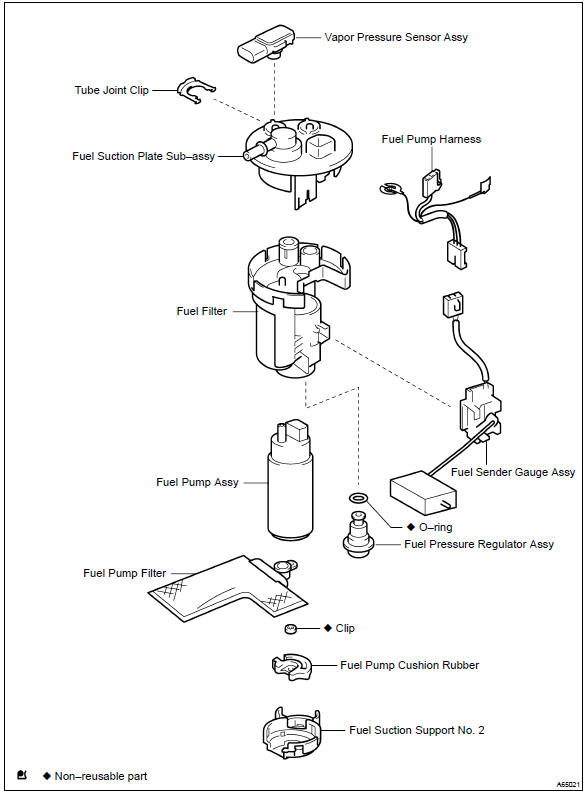
Toyota Corolla (E120): Components


Other materials:
Circuit description
The throttle pressure that is applied to the primary regulator
valve (which modulates the line pressure) causes the solenoid
valve slt, under electronic control, to precisely and minutely
modulate and generate the line pressure according the extent
of the accelerator pedal depressed or the o ...
Vehicle identification
■ Vehicle identification number
The vehicle identification number (VIN) is the legal identifier for your vehicle.
This is the primary identification number for your Toyota. It is used in registering
the ownership of your vehicle.
This number is stamped on the top left of the instrument p ...
Diagnostics
Preparation
Sst
09816–30010
Oil pressure switch socket
Sfi system
09843–18040
Diagnosis check wire no.2
Sfi system
supplemental restraint
system
Recomended tools
09082–00040
Toyota electrical tester
Sfi system
supplemen ...