
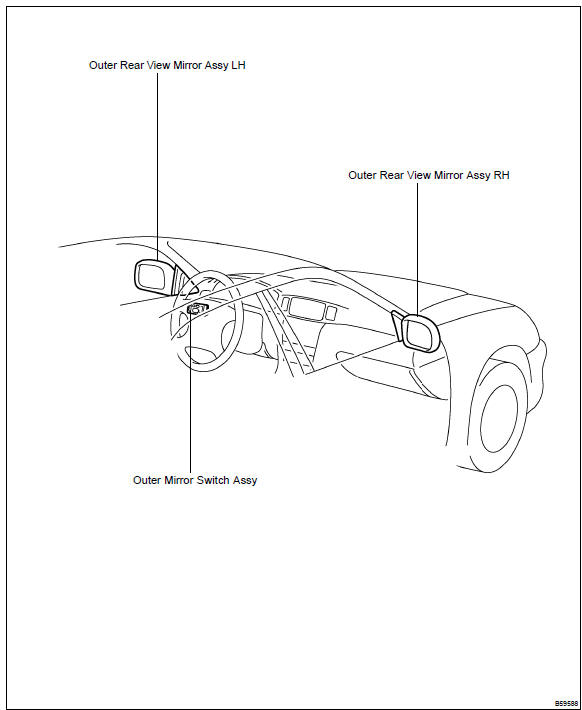
Toyota Corolla (E120): Location


Other materials:
Inspection procedure
Hint:
hand–held tester only:
narrowing down the trouble area is possible by performing ”a/f control” active
test (heated oxygen
sensor or other trouble areas can be distinguished). Perform active test using
hand–held tester (a/f
control).
Perform active test using the hand–held ...
Registering a Bluetooth® device
Before using the Bluetooth® audio/phone, it is necessary to register a Bluetooth®
device in the system. You can register up to 5 Bluetooth® devices.
How to register a Bluetooth® device
1 Press and select “Bluetooth*”
using .
2 Press and select “BT Pairing”
using .
A passkey w ...
Stopping
► Automatic transmission or continuously
variable transmission
1 With the shift lever in D, depress the brake pedal.
2 If necessary, set the parking brake.
If the vehicle is to be stopped for an extended period of time, shift the shift
lever to P or N. (, 174, 176) ► Manual ...