
Toyota Corolla (E120) 2002–2008 Repair Manual / Preparation / Lighting
Toyota Corolla (E120): Lighting
Preparation
Recomended tools
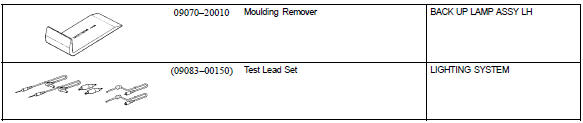
Equipment



Other materials:
Removal & installation and disassembly & re
1. Remove bench type rear seat cushion assy (, 72–8)
2. Remove rear floor service hole cover
3. Work for preventing gasoline from spilling out
start the engine.
after the engine has stopped on the its own, turn the ignition
switch to lock.
4. Disconnect fuel tank main tu ...
Engine mechanical
Service data
Torque specification
...
Do-it-yourself service precautions
If you perform maintenance
by yourself, be sure to follow
the correct procedure
as given in these sections.
Maintenance
WARNING
The engine compartment contains
many mechanisms and fluids that
may move suddenly, become hot,
or become electrically energized.
To avoid death or serious injury,
obser ...