
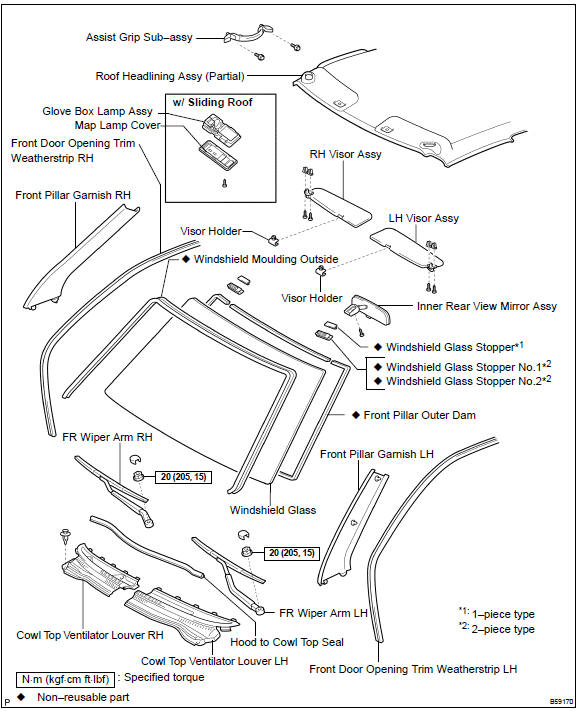
Toyota Corolla (E120): Components


Other materials:
Follow the correction procedures. (vehicles with a smart key system and with
a drive monitor display)
After taking the specified steps to correct the suspected problem, check that
the warning light turns off.
■SRS warning light
This warning light system monitors the airbag sensor assembly, front impact
sensors, side impact sensors (front door), side impact sensors (front), side impac ...
Dialing from call histories
1 Select “All calls”, “Missed calls”, “Incoming calls” or “Outgoing calls” using
.
2 Select the desired number using
and press the off-hook switch.
The following operations can be performed:
● Registering a number as a speed dial
Press (Add S. Dial) and then press
an ...
Overhaul
Hint: components:
1. Discharge refrigerant from refrigeration system
sst 07110–58060 (07117–58080, 07117–58090, 07117–78050, 07117–88060,
07117–88070,
07117–88080)
2. Disconnect cooler refrigerant liquid pipe a
Remove the bolt and disconnect the cooler refrigerant liqui ...