
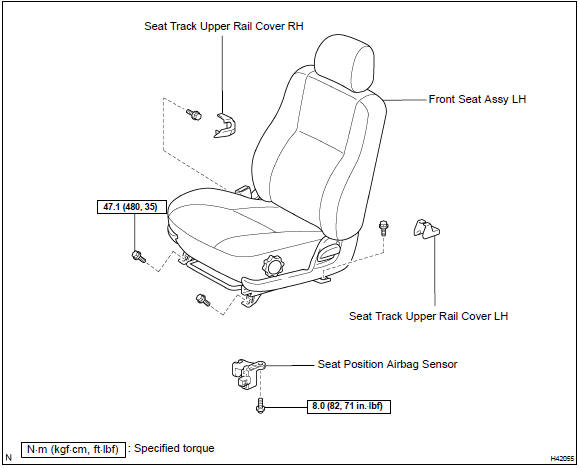
Toyota Corolla (E120): Components


Other materials:
Riding with children
Observe the following precautions
when children are
in the vehicle.
Use a child restraint system
appropriate for the child,
until the child becomes
large enough to properly
wear the vehicle's seat belt.
It is recommended that children
sit in the rear seats to
avoid accidental contact
with the ...
Rear combination lamp assy lh
Replacement
Using a clipremover, remove the 2 clips and disconnect
the luggage compartment trim cover lh.
Disconnect the connector and remove the 3 nuts.
Pull out the rear combination light assy lh to the back of
the vehicle, and remove.
...
Selecting shift ranges in
the D position
To drive using temporary shift
range selection, operate the "-"
or "+" paddle shift switch.
When the "-" paddle shift switch
is operated, the shift range
switches to a range that enables
engine braking force that is suitable
to driving conditions. When
the "+" paddle shift switch is
operated, the s ...