
Toyota Corolla (E120): Components
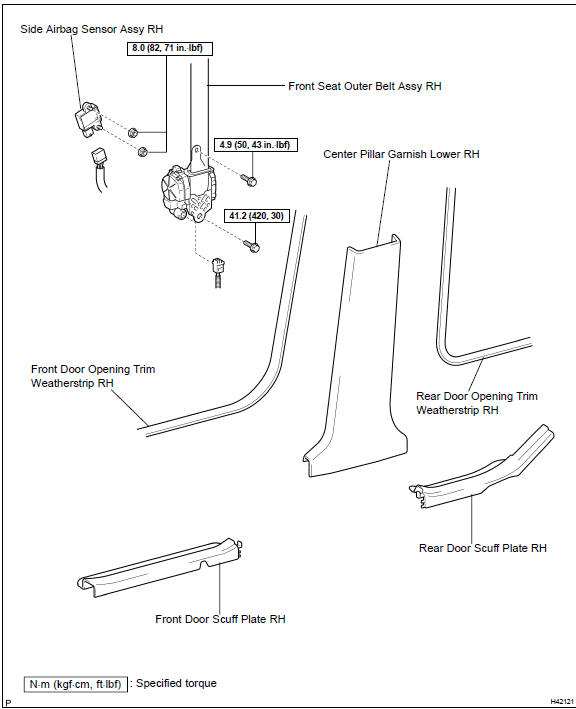


Other materials:
Overhaul
1. Remove w/head taper screw plug no.2
Using a socket hexagon wench 10, remove the taper
screw plug and gasket.
2. Remove valve lifter
Remove the valve lifters from the cylinder head.
3. Remove valve
Place the cylinder head on wooden blocks.
using sst, compres ...
Location of the storage features
Bottle holders/door pockets
Open trays (if equipped)
Glove box
Cup holders (if equipped)
Console box
WARNING
■Items that should not be left
in the storage spaces
Do not leave glasses,
spray cans in the storage spaces,
as this may cause the following
when cabin temperature becomes
high:
...
Cup holders
Front
Rear (if equipped)
Pull the armrest down.
WARNING
■Items unsuitable for the cup
holder
Do not place anything other than
cups or beverage cans in the cup
holders.
Other items may be thrown out of
the holders in the event of an
accident or sudden braking and
cause injury. If possible, cover ...