
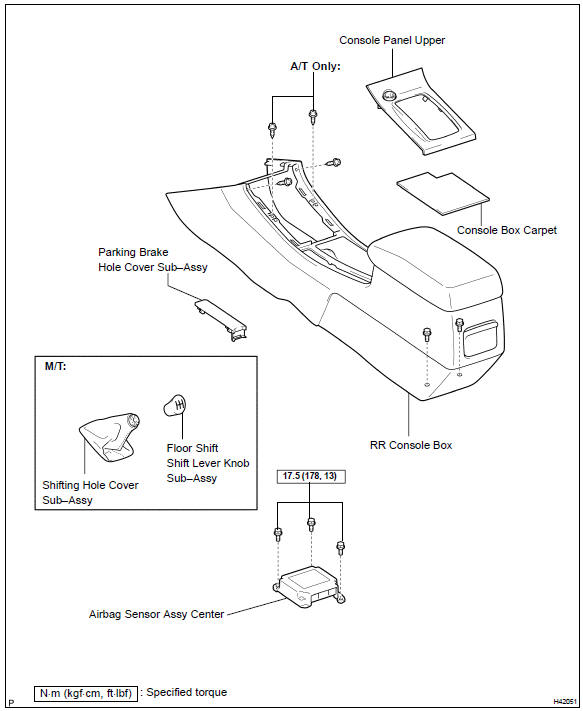
Toyota Corolla (E120): Components


Other materials:
Aluminum wheel precautions (if equipped)
● Use only Toyota wheel nuts and wrenches designed for use with your aluminum
wheels.
● When rotating, repairing or changing your tires, check that the wheel nuts are
still tight after driving 1000 miles (1600 km).
● Be careful not to damage the aluminum wheels when using tir ...
Bluetooth® device registration status
1 Display the “Bluetooth* Setup” screen.
*: Bluetooth is a registered trademark of Bluetooth SIG, Inc.
2 Select the device.
3 Select “Device Info”.
4 Following screen is displayed:
1 Device Name
2 Change connection method
3 Bluetooth® Address
4 Display your telephone number
The n ...
Mass or volume air flow circuit
Dtc p0100 mass or volume air flow circuit
Dtc p0102 mass or volume air flow circuit
low input
Dtc p0103 mass or volume air flow circuit
high input
Circuit description
The maf (mass air flow) sensor measures the amount of air flowing through the
throttle valve. The ecm
uses this information ...