
Toyota Corolla (E120): Components
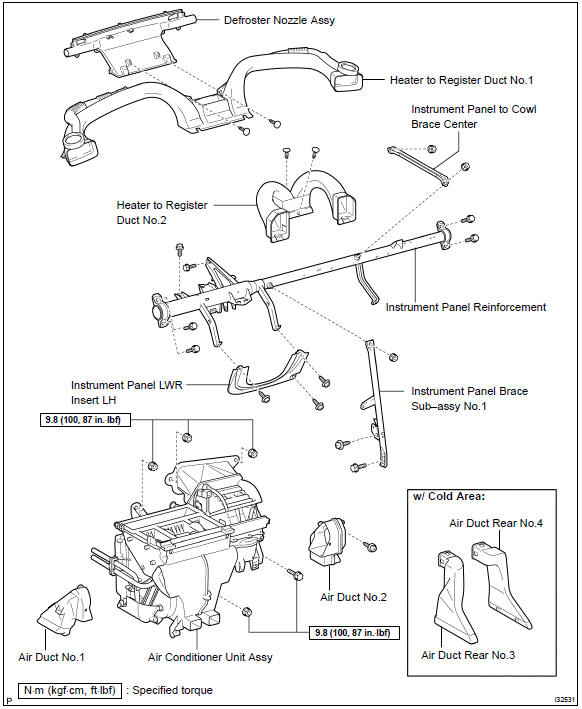
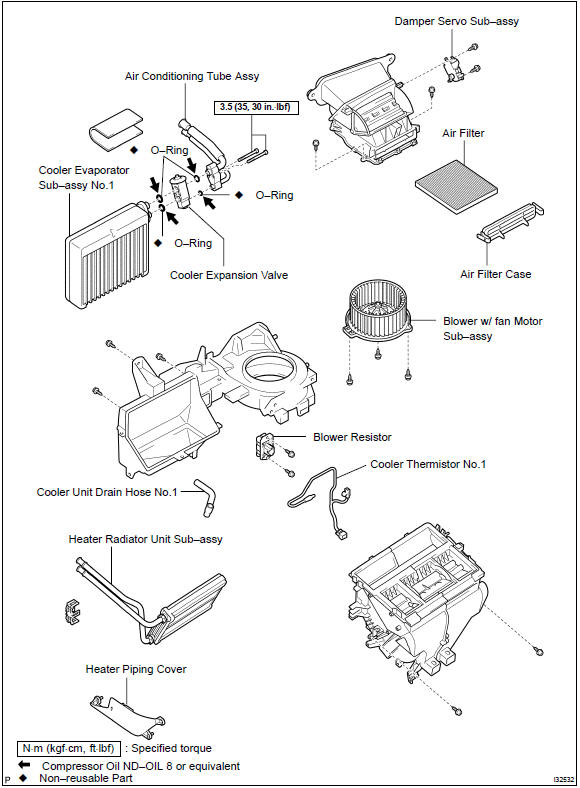


Other materials:
Inspection procedure
Hand–held tester:
1 Perform active test by hand–held tester(operation of circuit
opening relay)
Connect the hand–held tester to the dlc3.
turn the ignition switch on and push the hand–held tester main
switch on.
select the item ”diagnosis / enhanced obd ii / active ...
Overhaul
Hint:
installation is in the reverse order of the removal. But the
installation is indicated only when it has a
point.
In the rh side, work in the same procedure as in the lh side.
1. Remove front armrest assy lh
Using a screwdriver, remove the front armrest.
Hint:
tape the ...
Replacement
Hint: components:
1. Precaution
2. Disconnect battery negative terminal
3. Remove seat track upper rail cover rh
4. Remove seat track upper rail cover lh
5. Remove front seat assy lh
6. Remove seat position air bag sensor
Disconnect the connector of the seat position airbag sensor. ...